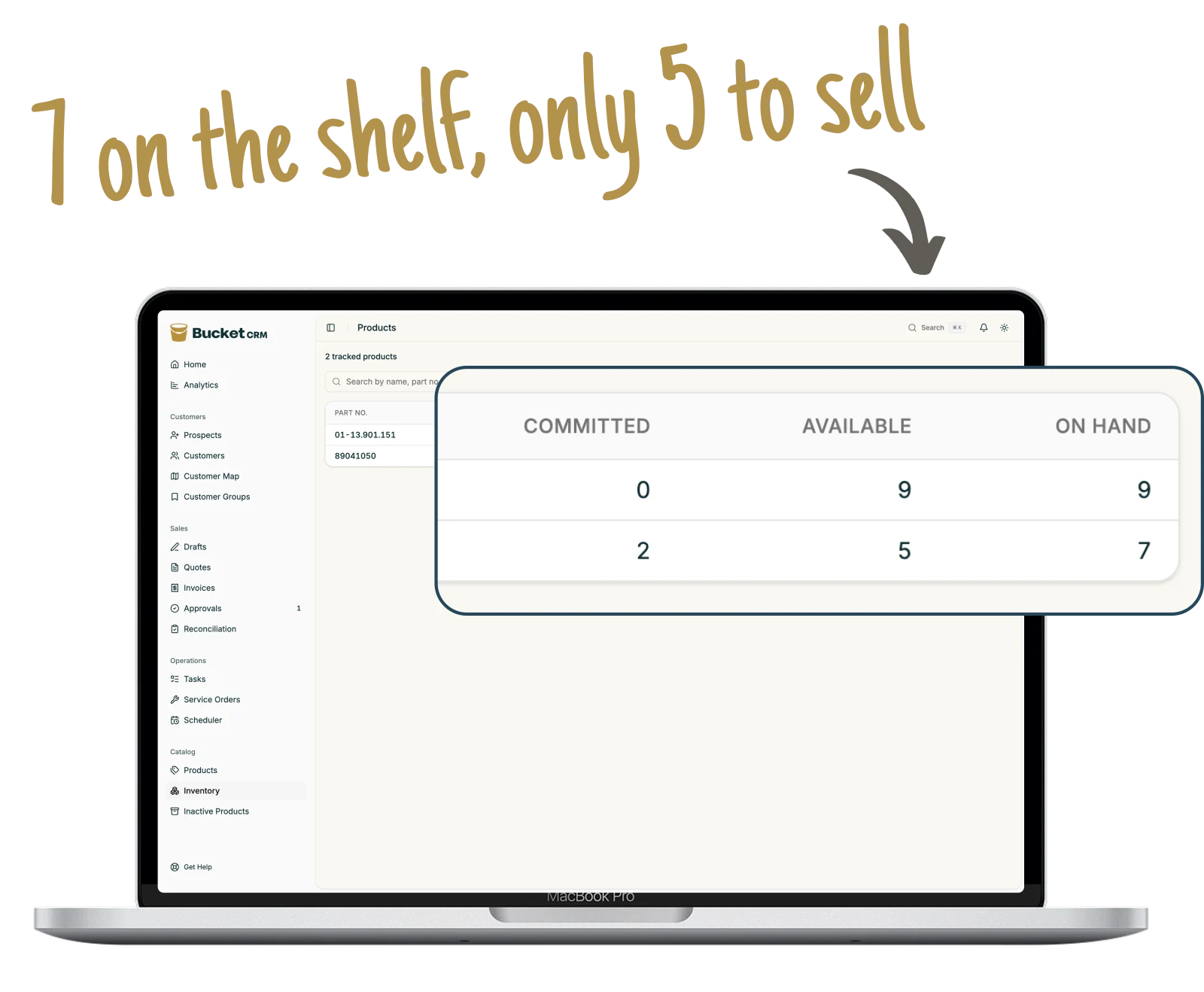
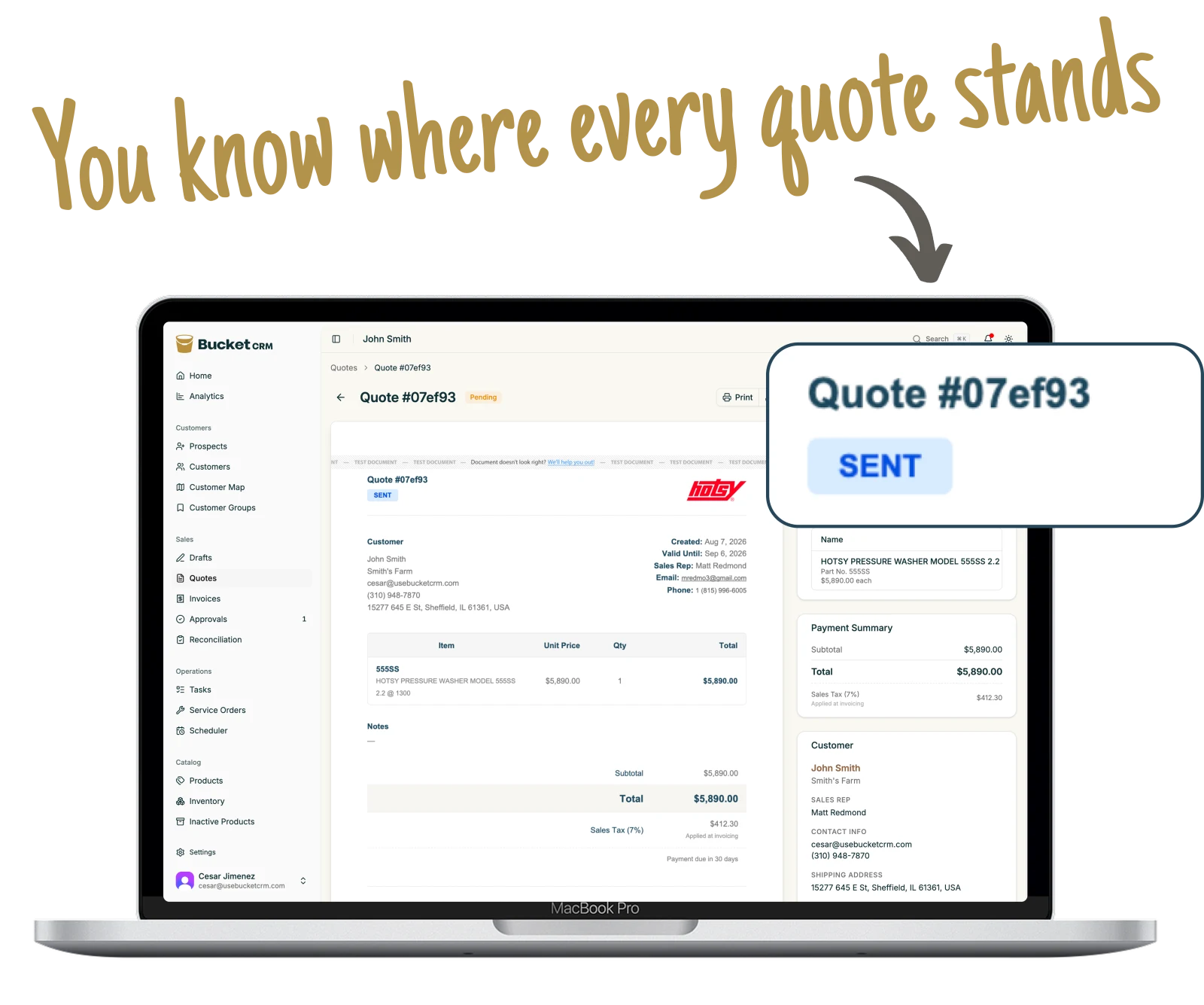
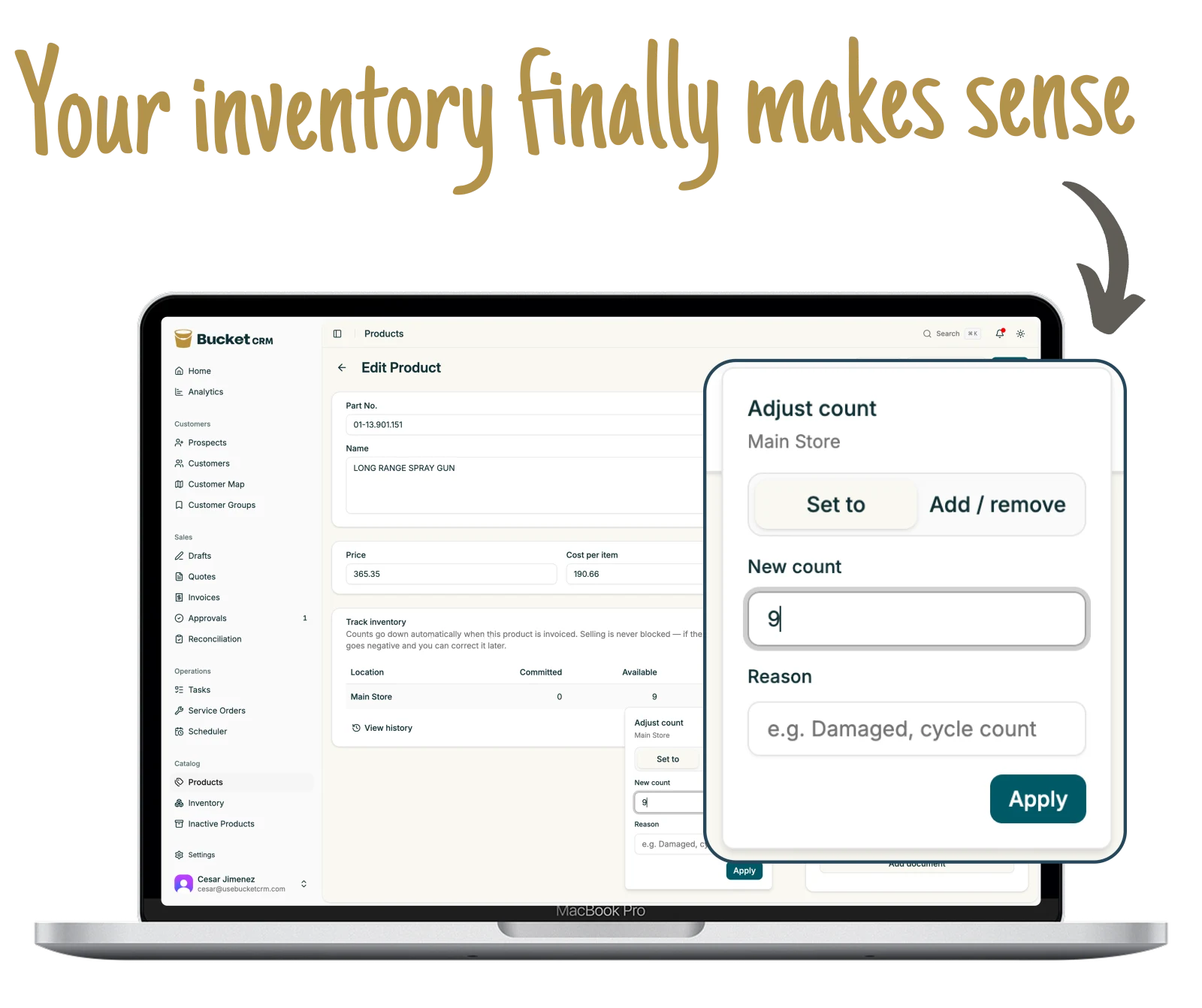
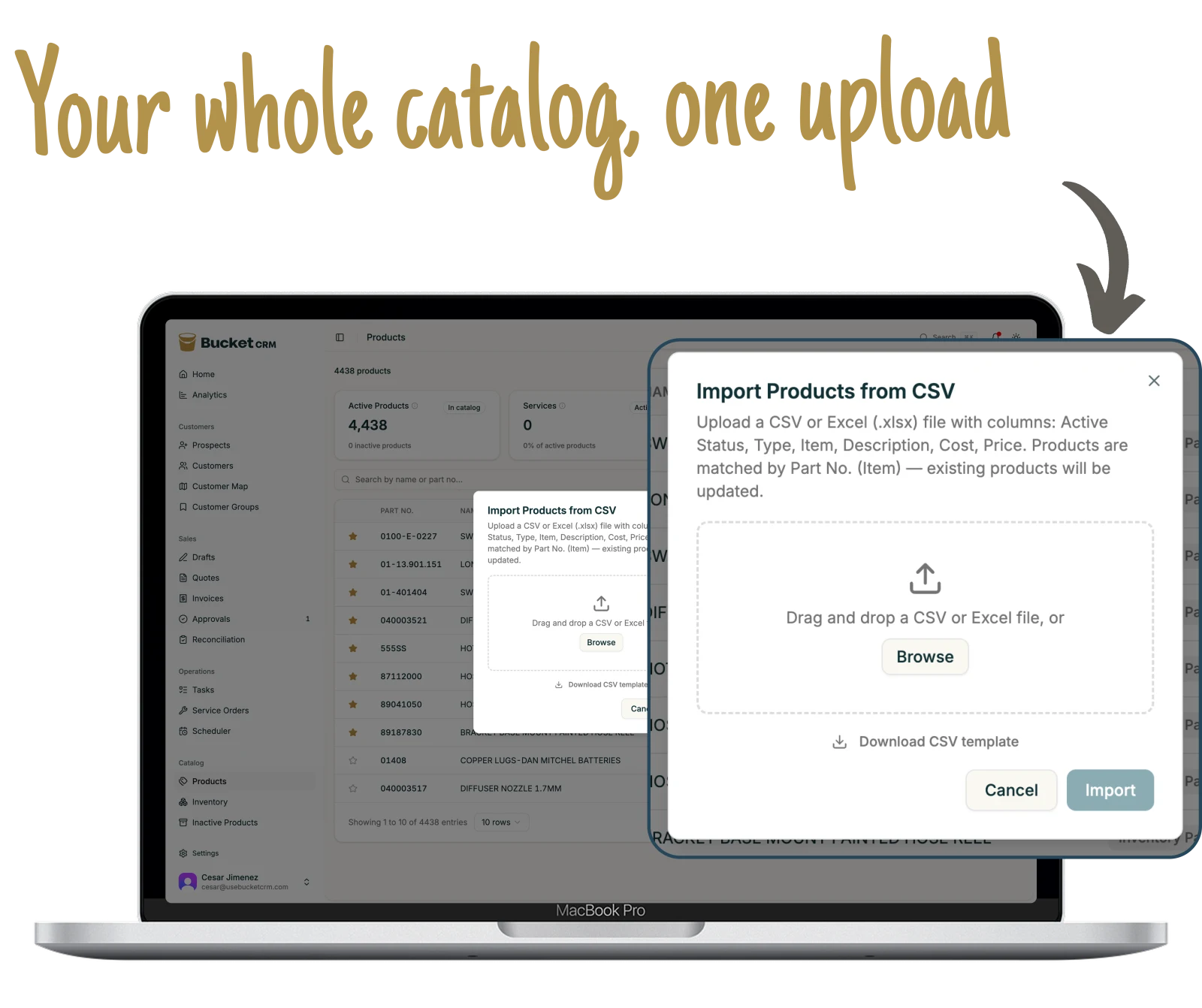
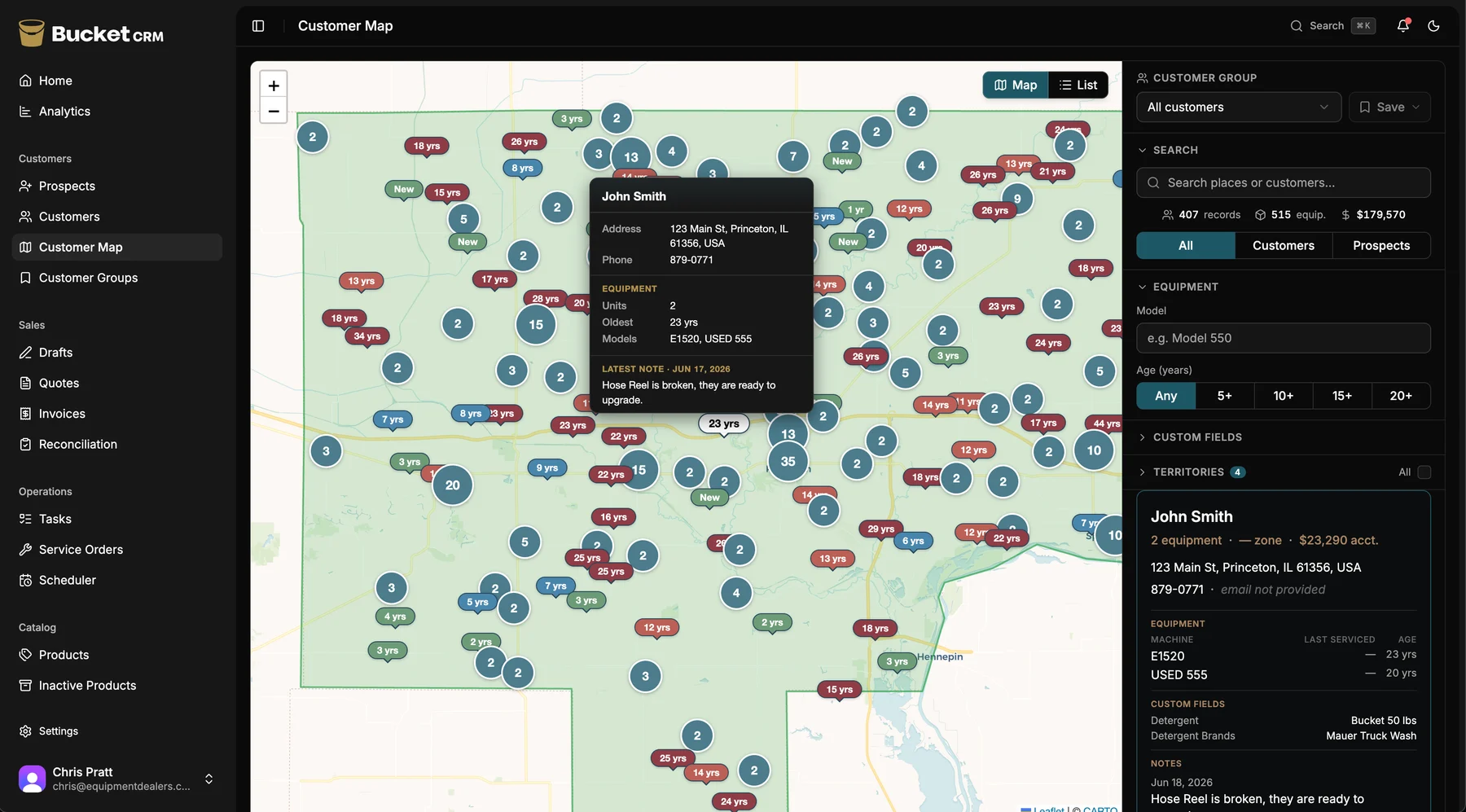
Built alongside Hotsy dealerships who picked it apart
Who it’s for
Built for shops that sell and
service equipment.
Sell the machine. Keep it running. Know when the customer is ready for
the next one.
Pressure-washer dealers
Floor-cleaning equipment
Outdoor power & lawn equipment
Generators
Air compressors
Forklift dealers
Welding supply
Water treatment
HVAC & refrigeration
Pool & spa equipment
Marine & boat motors
Agricultural & farm equipment
Restaurant equipment
Material handling
Turf & golf equipment
Pumps & motors
What dealers tell us
Video testimonial
★★★★★
“We use it pretty thoroughly, its pretty useful for how its being used. [...] By in large I've been quite impressed by how it all goes.”
Zach · Bucket customer
★★★★★
“I LOVE Bucket and so does our entire company! In just one month of being a customer, I've been thoroughly impressed by the speed of innovation and new features released. The team is constantly open to my feedback and not only listens to what I have to say but makes my ideas happen.”
Ray L. · Bucket customer
★★★★★
“For the small price I pay, it’s 3X’d my output for my sales and service teams”
Jennifer Hernandez · Bucket customer
★★★★★
“Bucket has helped us seamlessly integrating our service orders from the field into the way we work. It really helped us to keep our accounts in order. The other apps were good with the jobs but it was always missing the equipment info, this is a better fit for our shop.”
Trish Taylor · Bucket customer
★★★★★
“I love Bucket. I’ve used it at least 3 times a week & have referred TONS of people over. So excited for it! Well done team!”
Michael King · Bucket customer
★★★★★
“Your presentation did not do this application justice. This is really good.”
Robert T. · Dealer · Montana
★★★★★
“I've been very pleased. This is really going to help our shop.”
Greg C. · Dealer · North Carolina
★★★★★
“It's a really good application. Saves me so much time.”
Jim F. · Dealer · Illinois
★★★★★
“The only app my guys actually use. They would always just complain about the other apps we tried to use, and then wouldn’t use it. They use Bucket thought.”
Tammy T. · Bucket customer
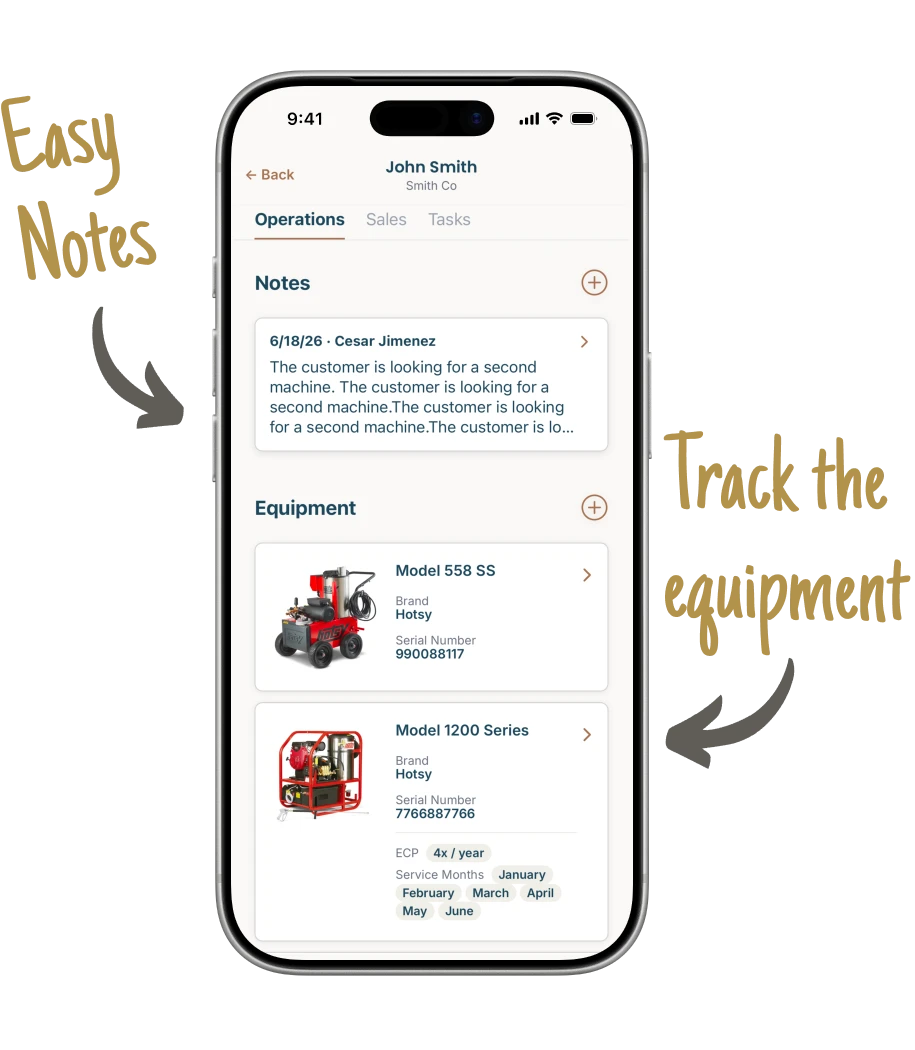
Notebooks here. Sticky notes there. Everything lives in your head.
Every job runs a little differently, and memory is what holds it
together. There is a cleaner way to run the whole thing.
The old way
Every rep quotes a different way
You chase invoices by hand
Dispatch runs off a whiteboard
Service notes stay on paper in the truck
Four apps that do not share anything
Numbers get added up at month end
One person knows how it all works
Busy weeks turn into a mess
The new way
One quote flow every rep follows
Invoices go out, get approved, get paid
Drag a job onto the right tech's day
Techs log the work on their phone
One app, one place the data lives
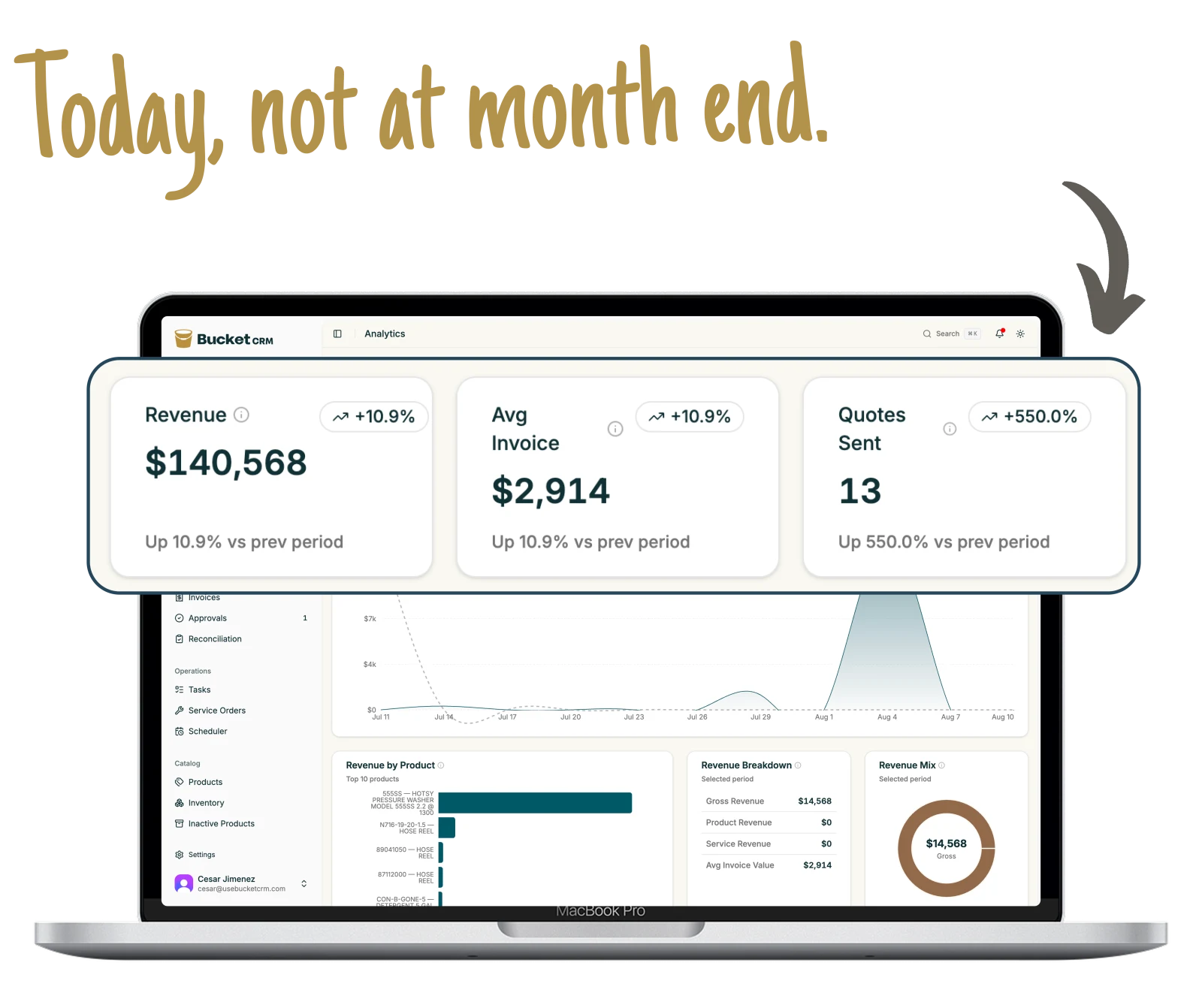
Live numbers, no month-end scramble
The process runs the shop, not memory
Ready to take on more without the chaos
Not ready for a demo?
Get 11 simple ways equipment dealers grow sales and service revenue. We’ll send them to your inbox.
One record for each machine. Everyone knows what’s next.
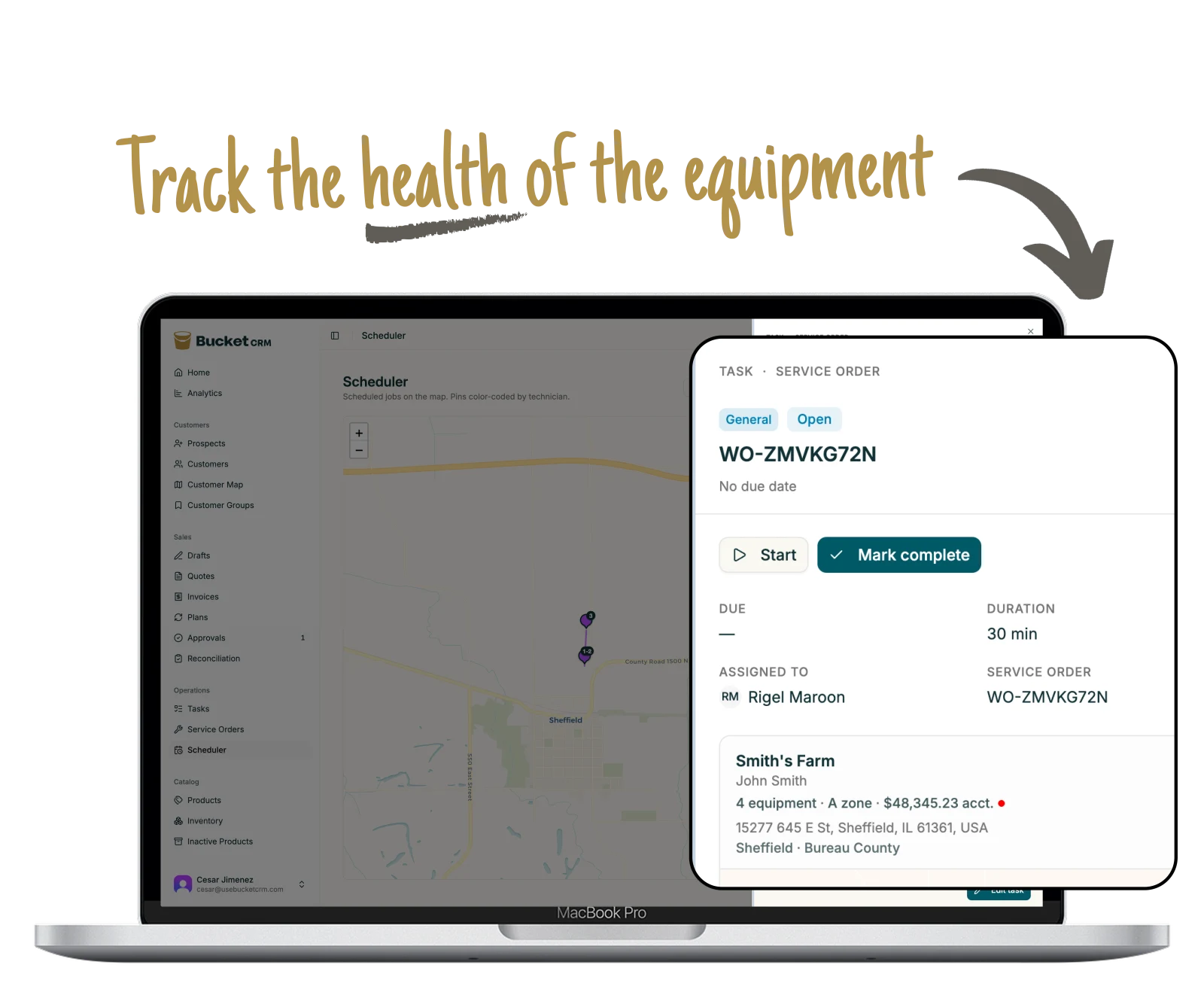
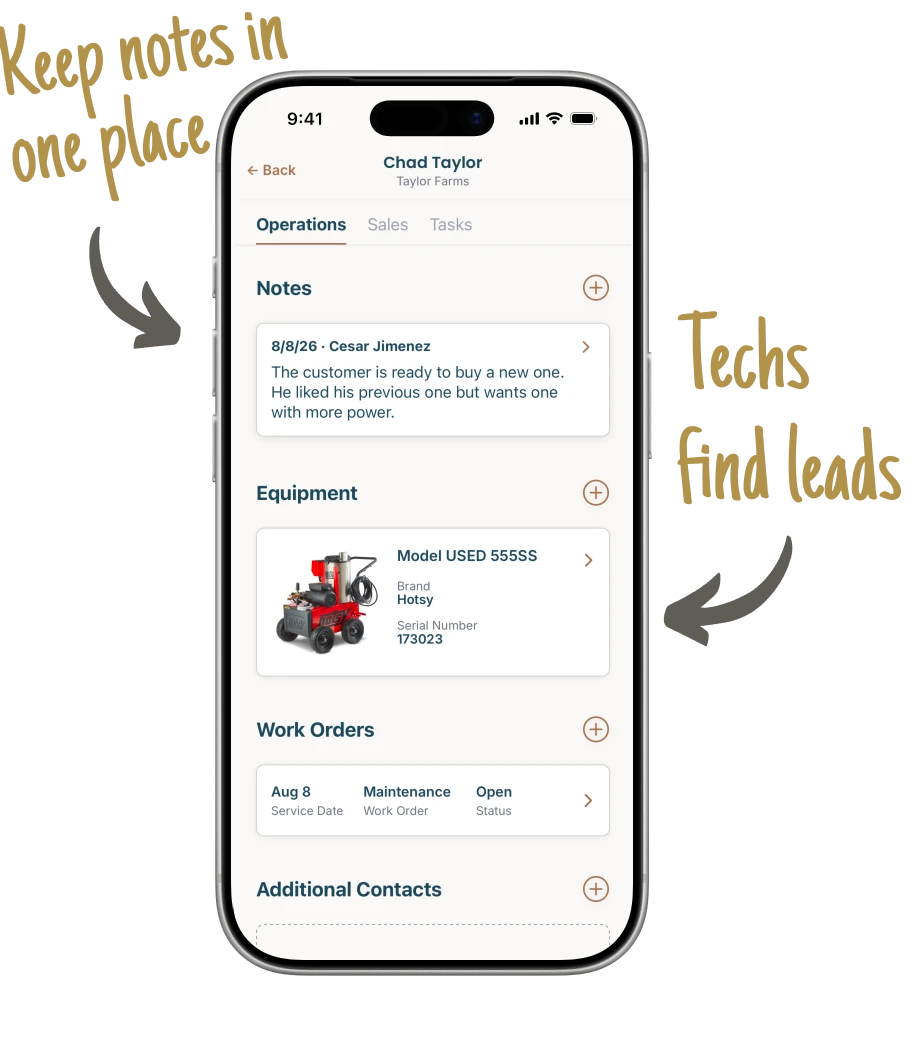
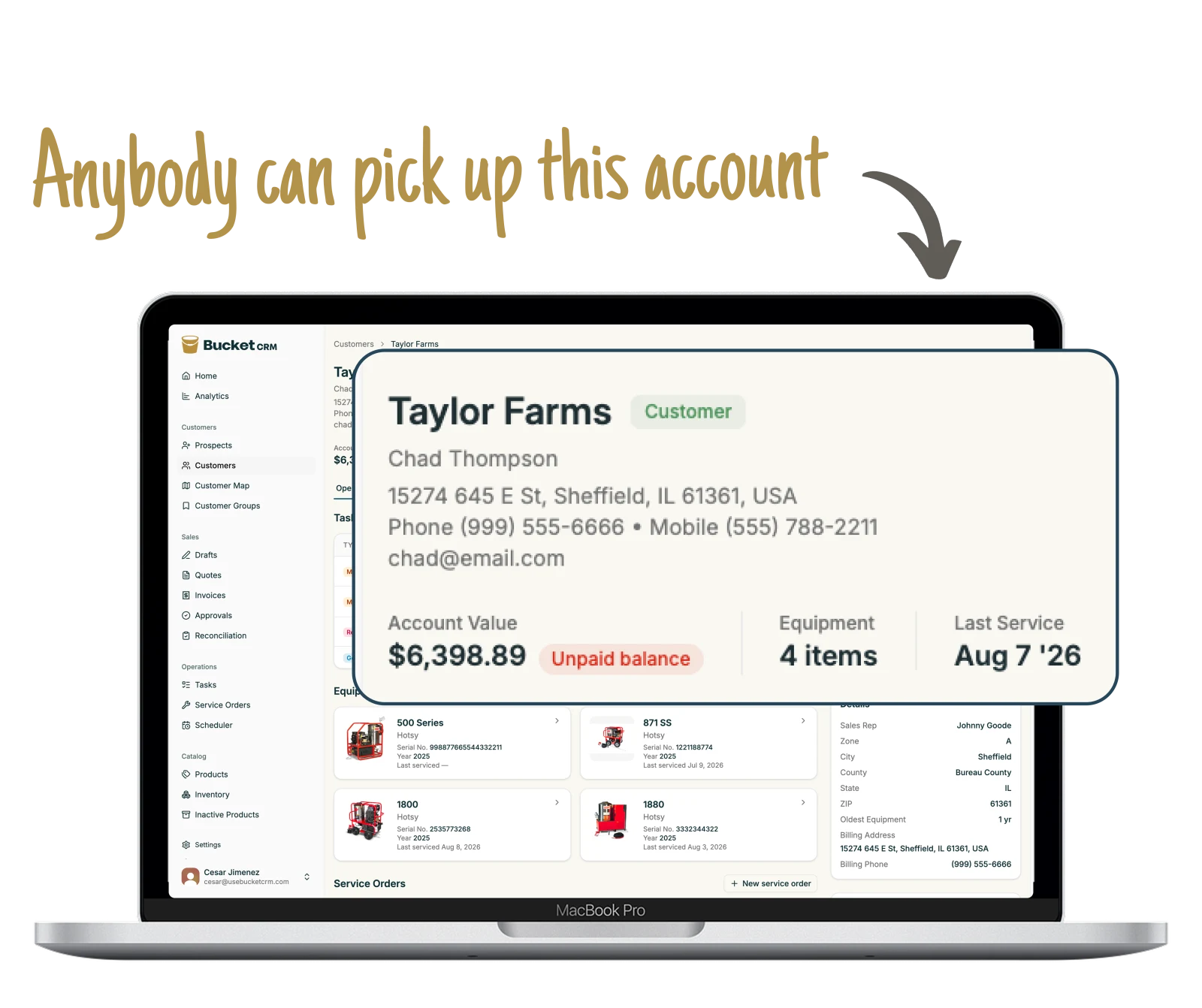
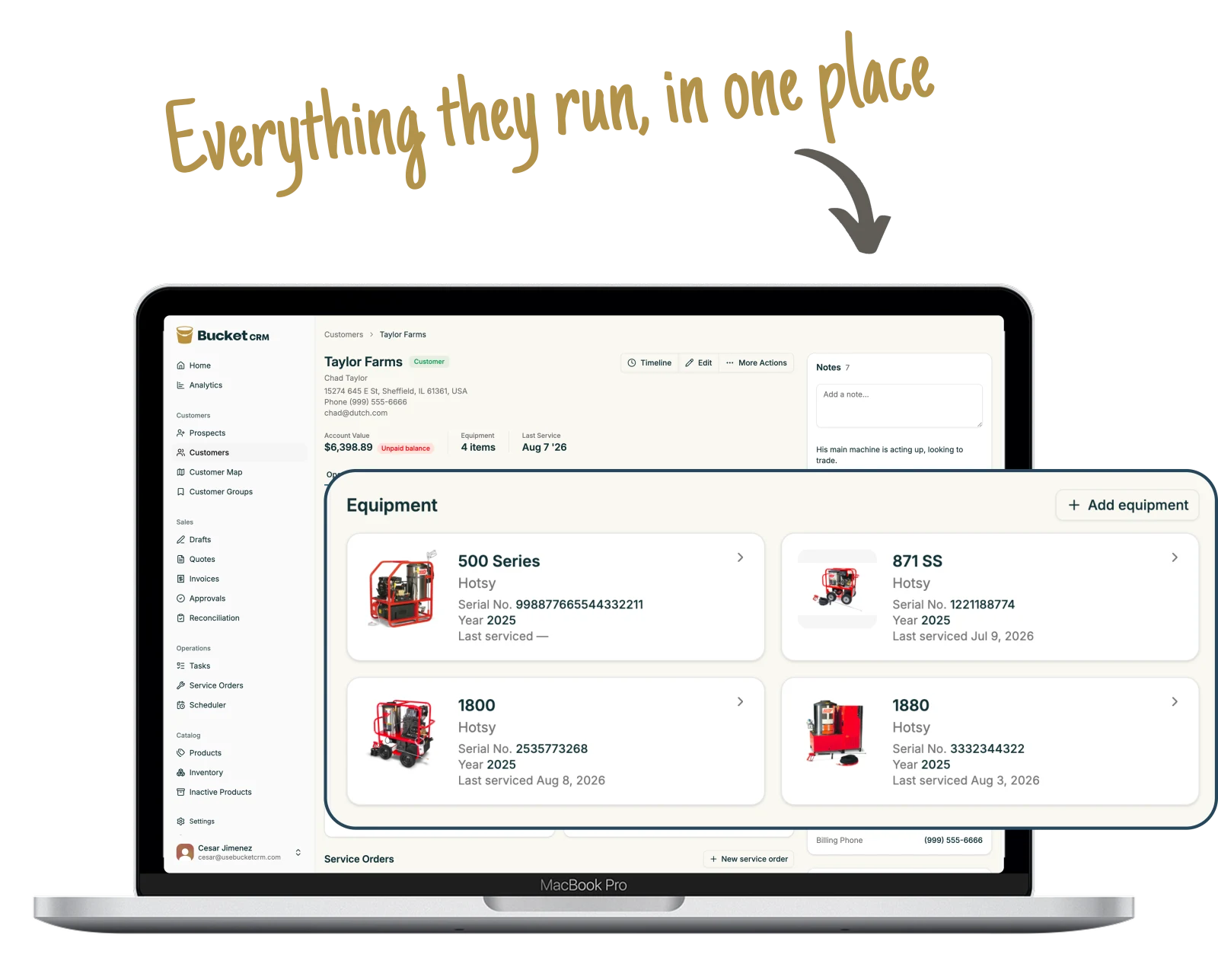
Everything about a machine stays in one place. Your team finds answers
fast, spends less time searching, and gets more work done.
8
parts of the shop
97
things Bucket does
1
record for each machine
01 Quoting
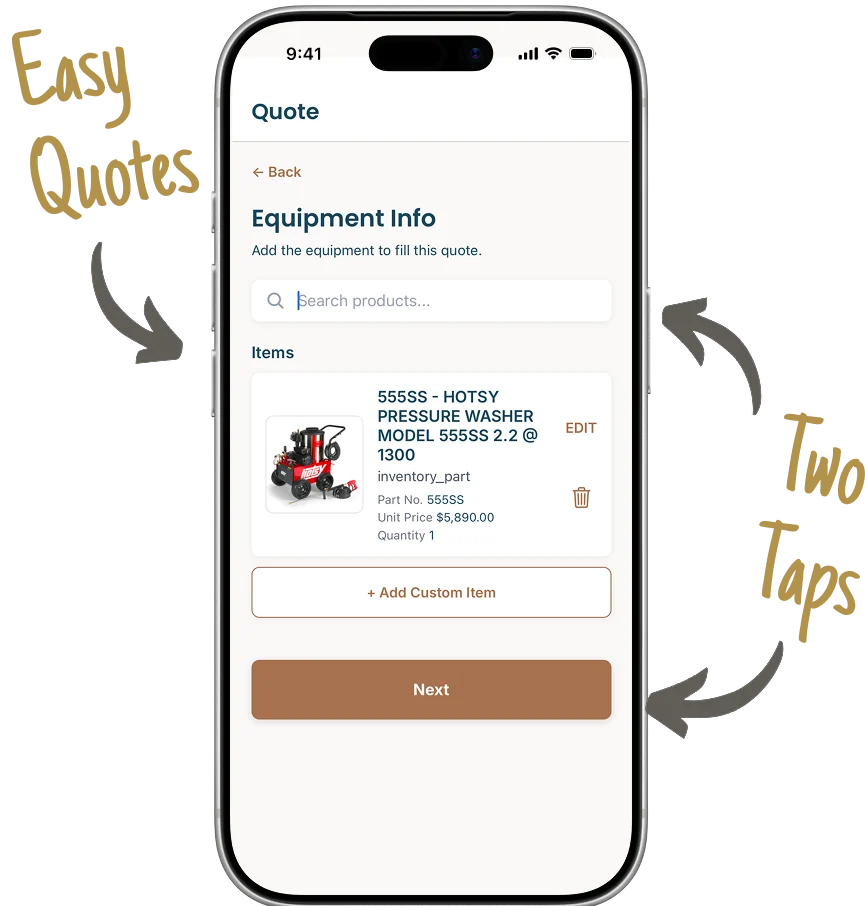
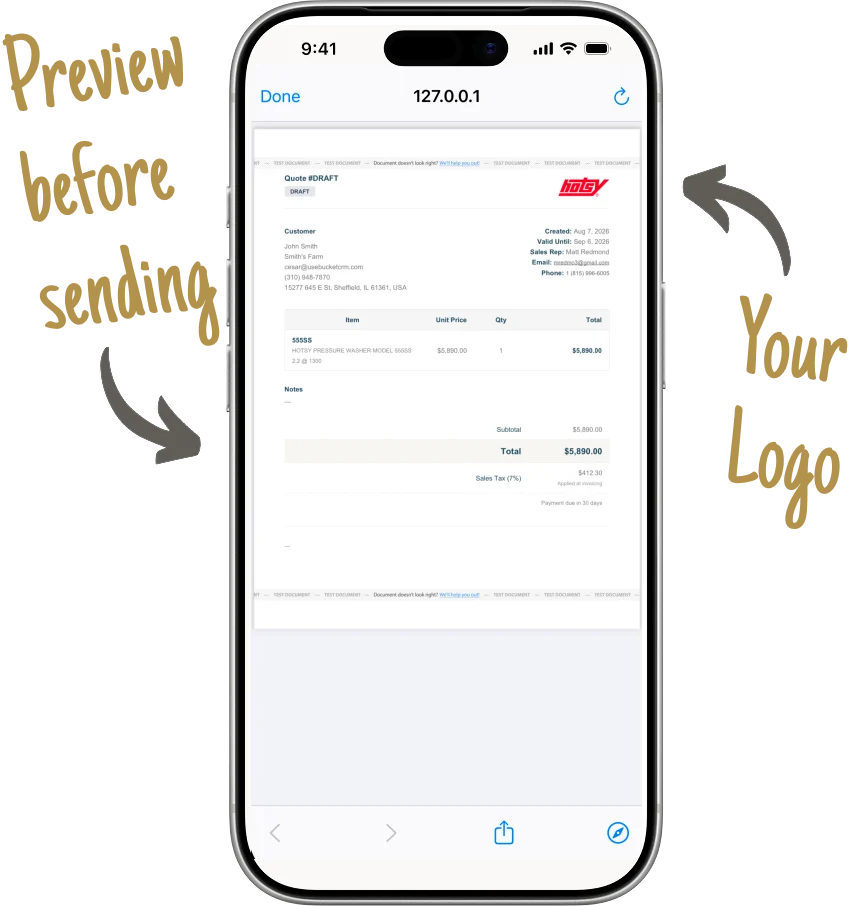
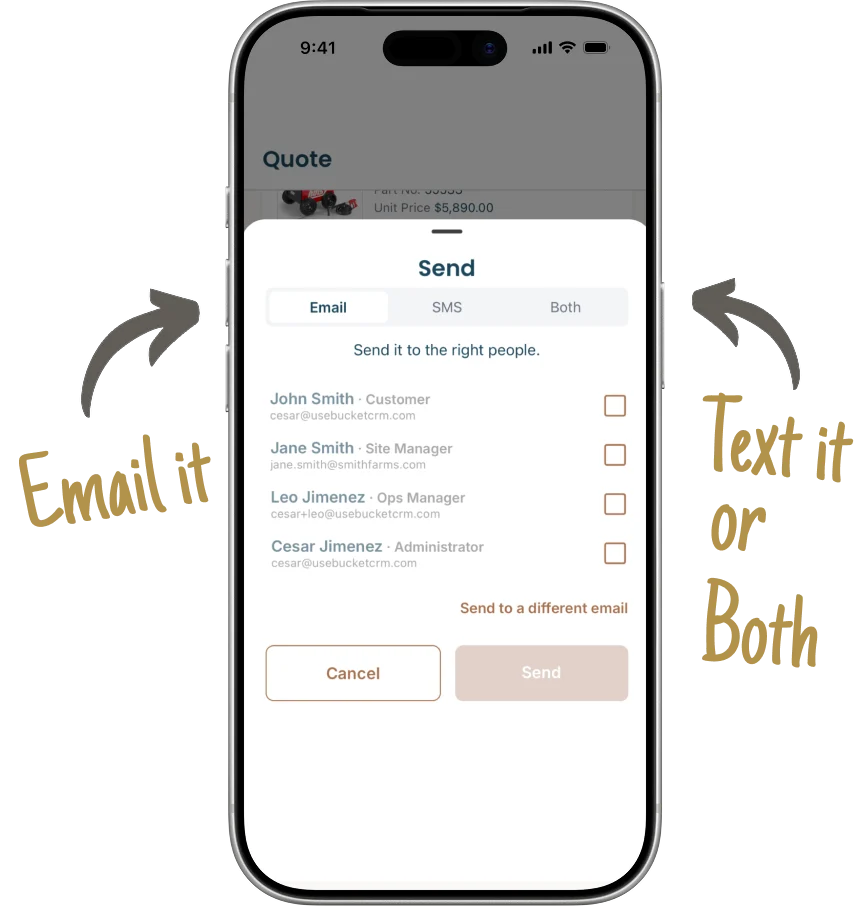
Send quotes from the road, not the office.
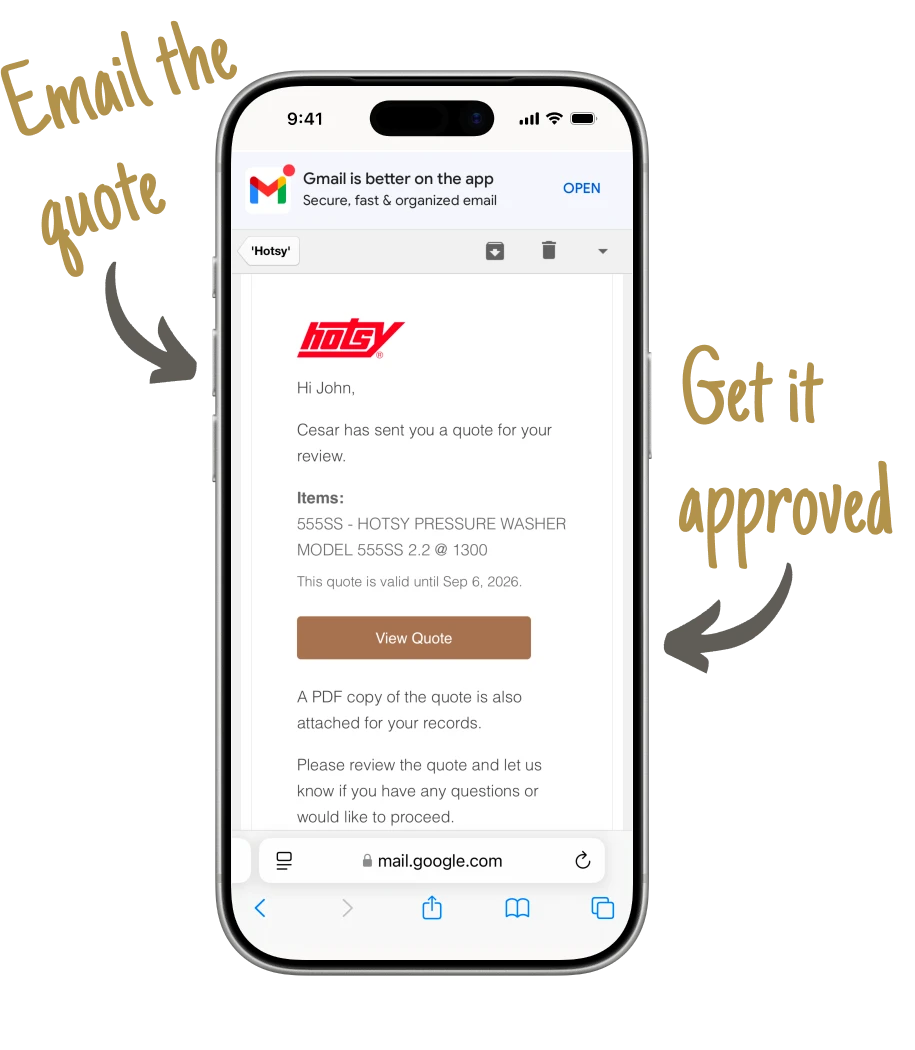
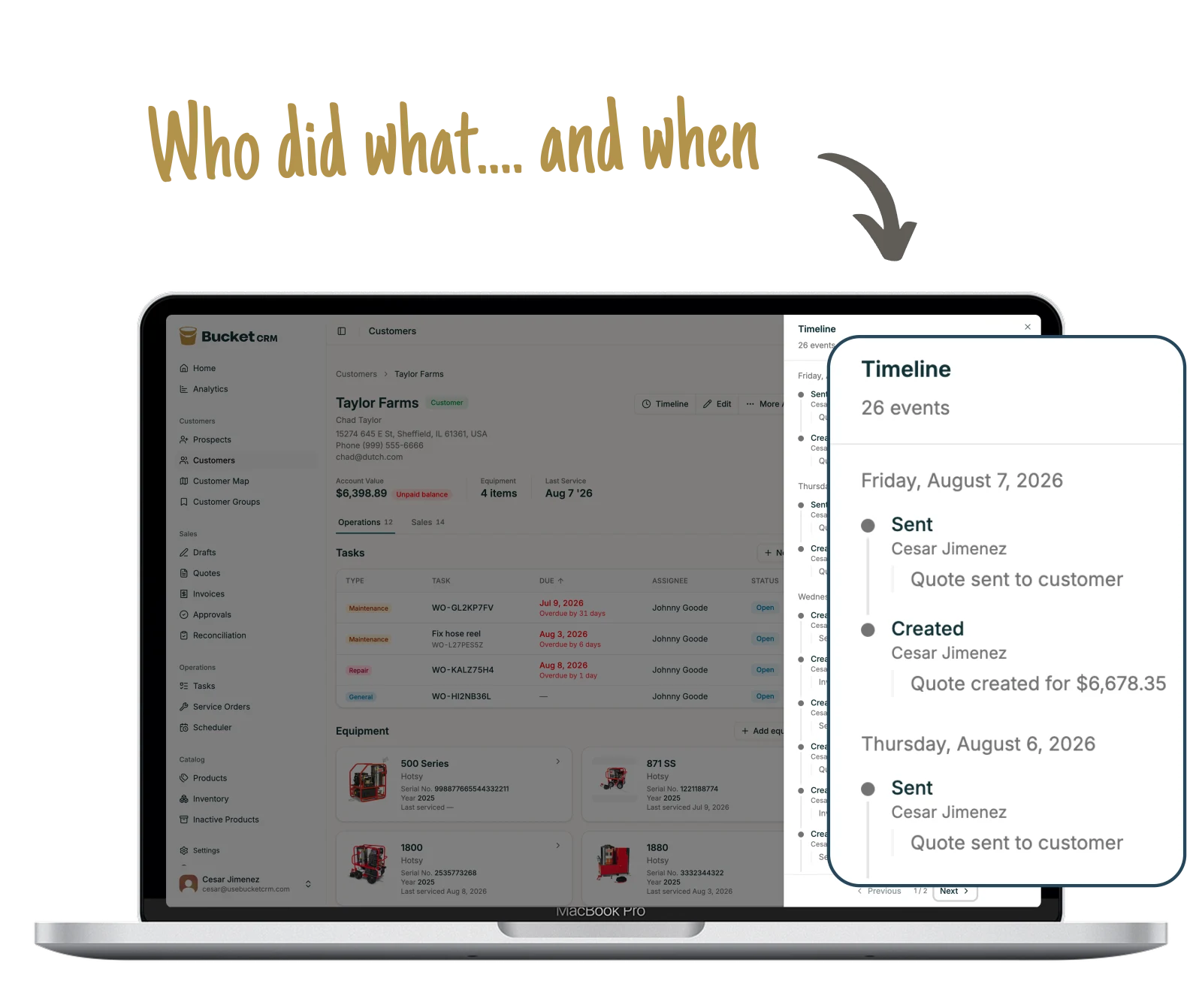
No more driving back to the office to send one. Your rep builds it on his phone in front of the customer, and every quote he sends stays on that customer's record.
02 Invoices and payment
Send invoices and get paid from anywhere.
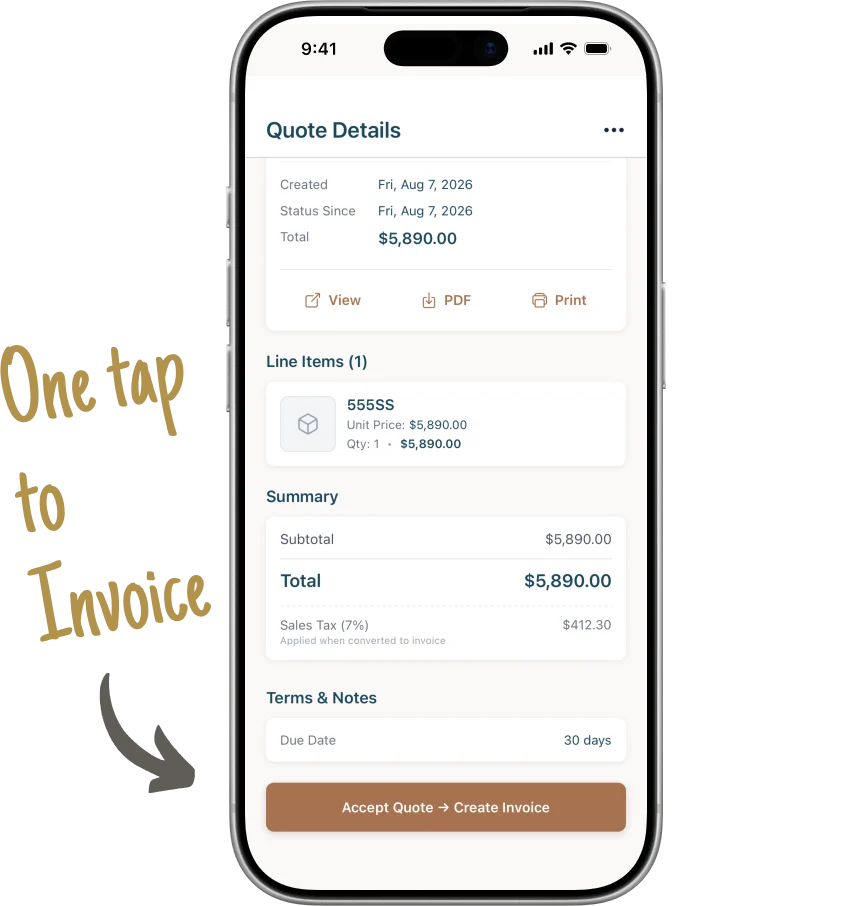
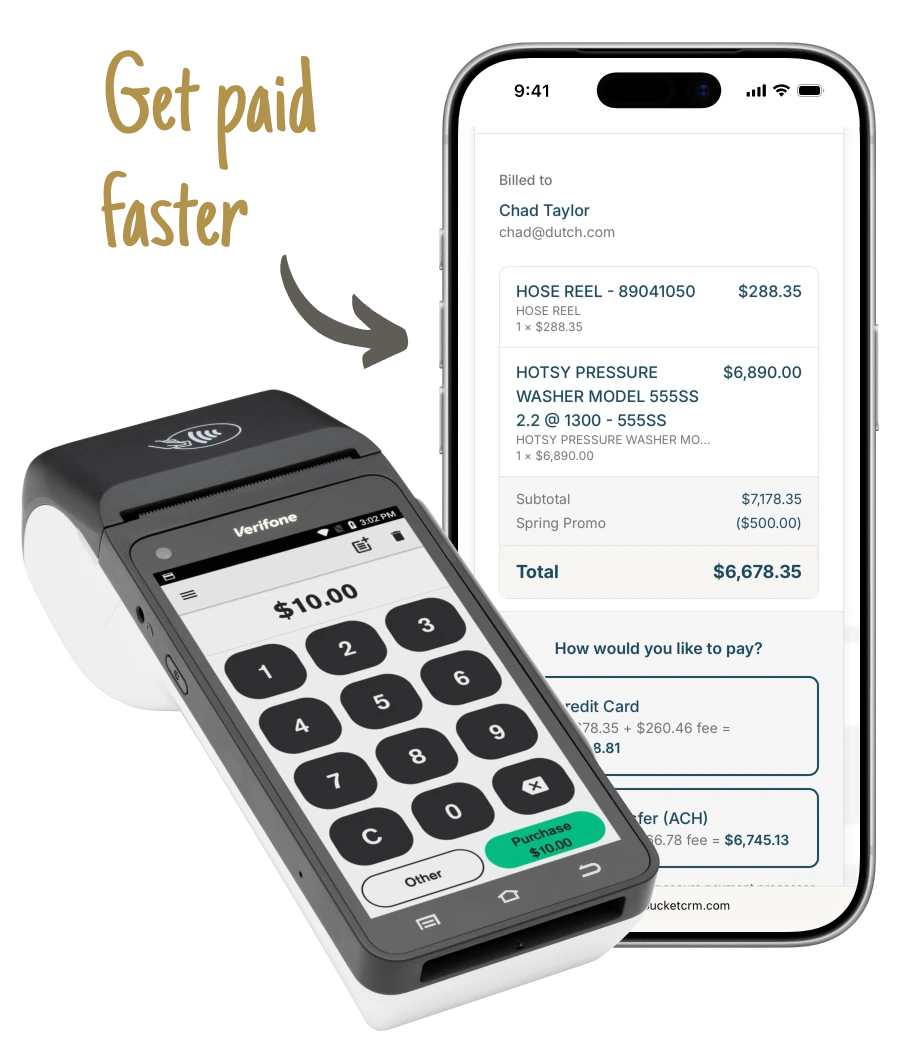
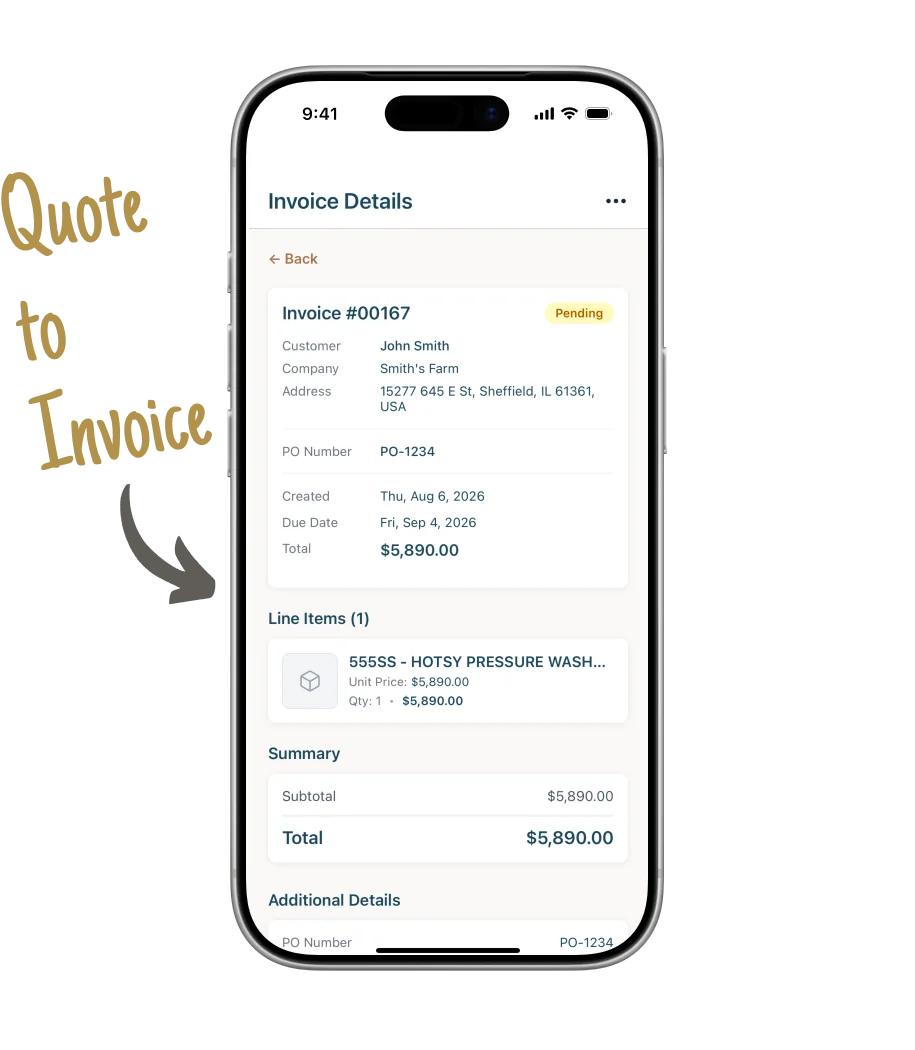
Turn a quote into an invoice. Get it approved. Let the customer pay online or in person.
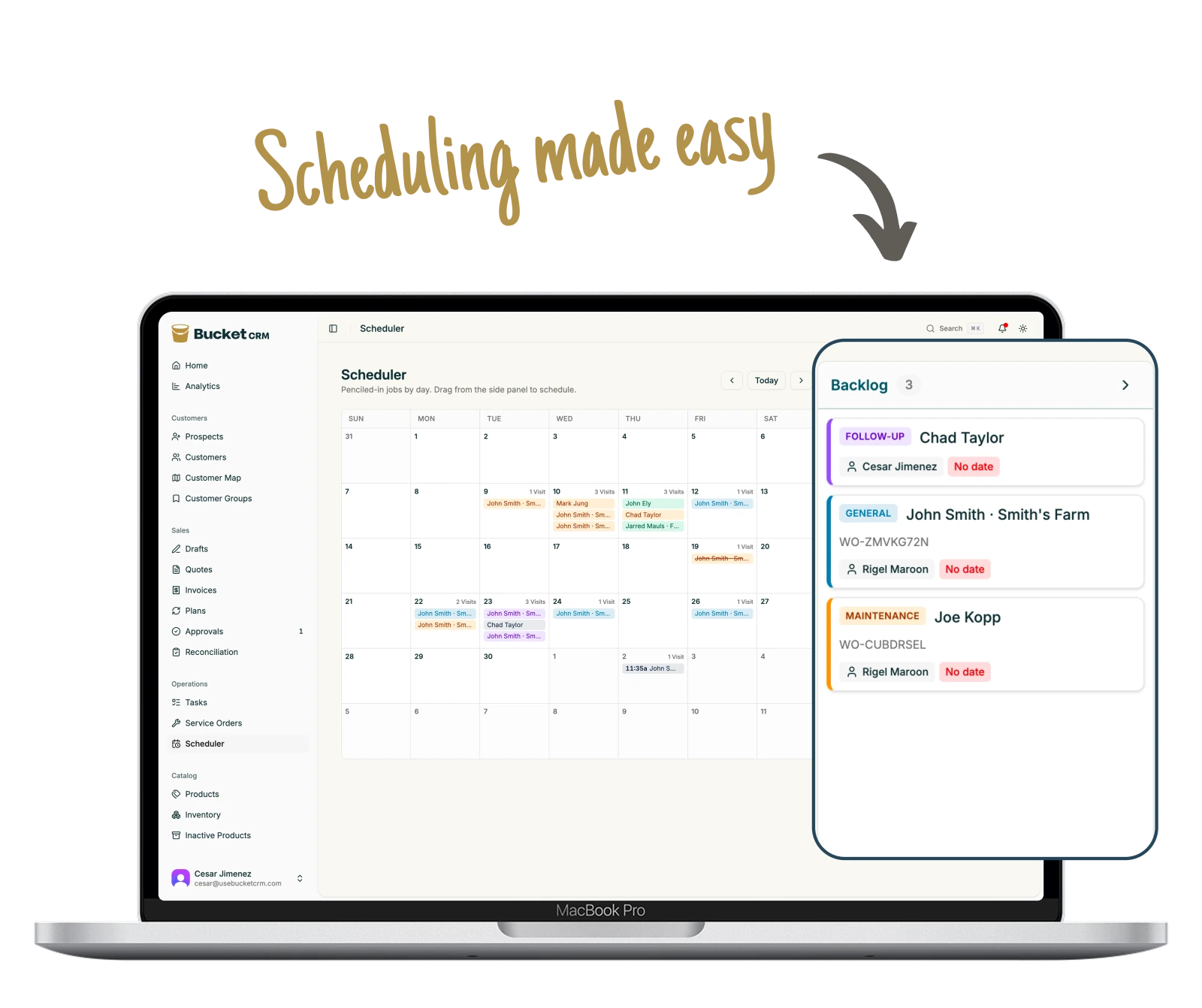
03 Scheduling
Put every job on one schedule.
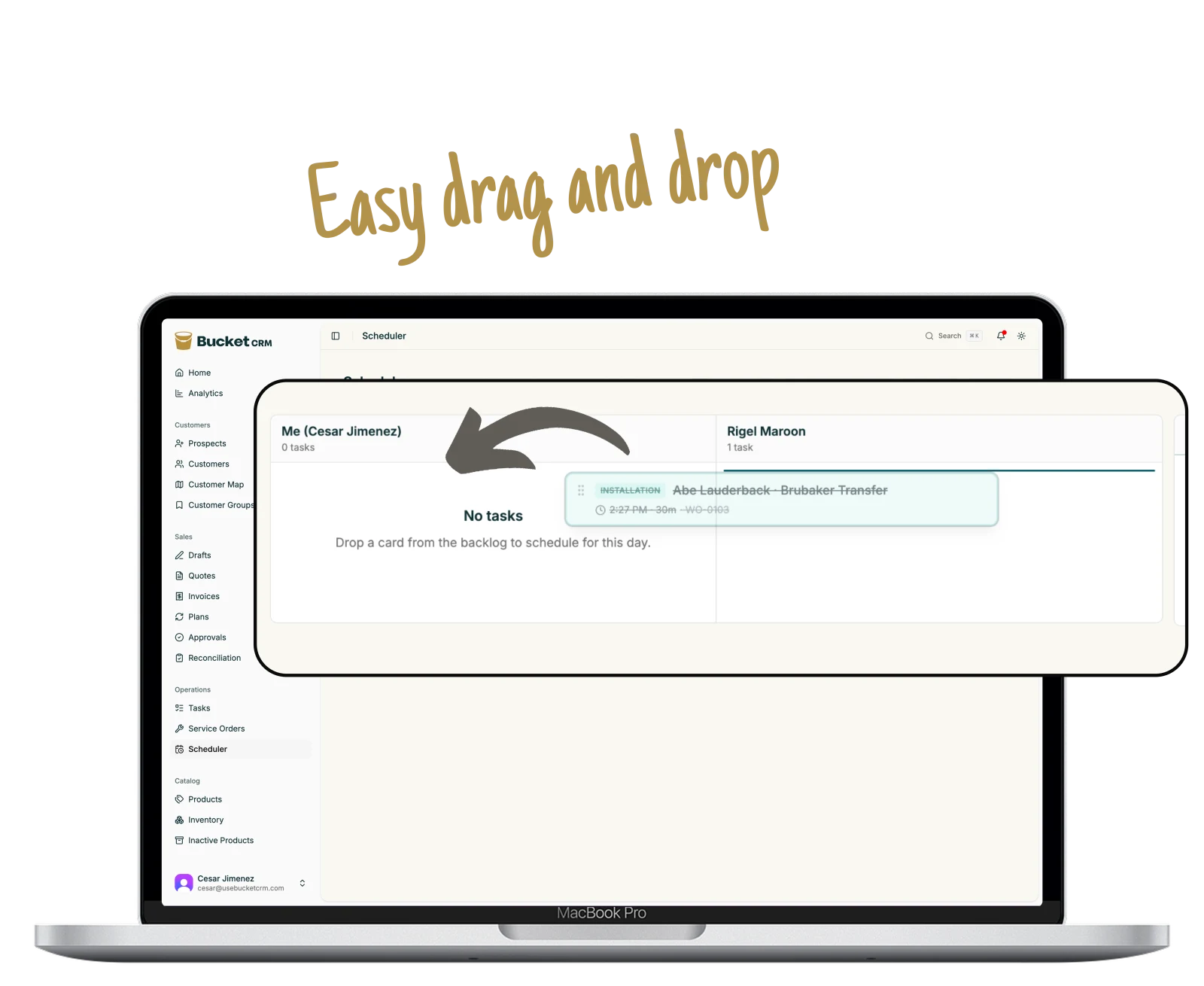
See every job, tech, and date in one place. Drag a job to change the plan.
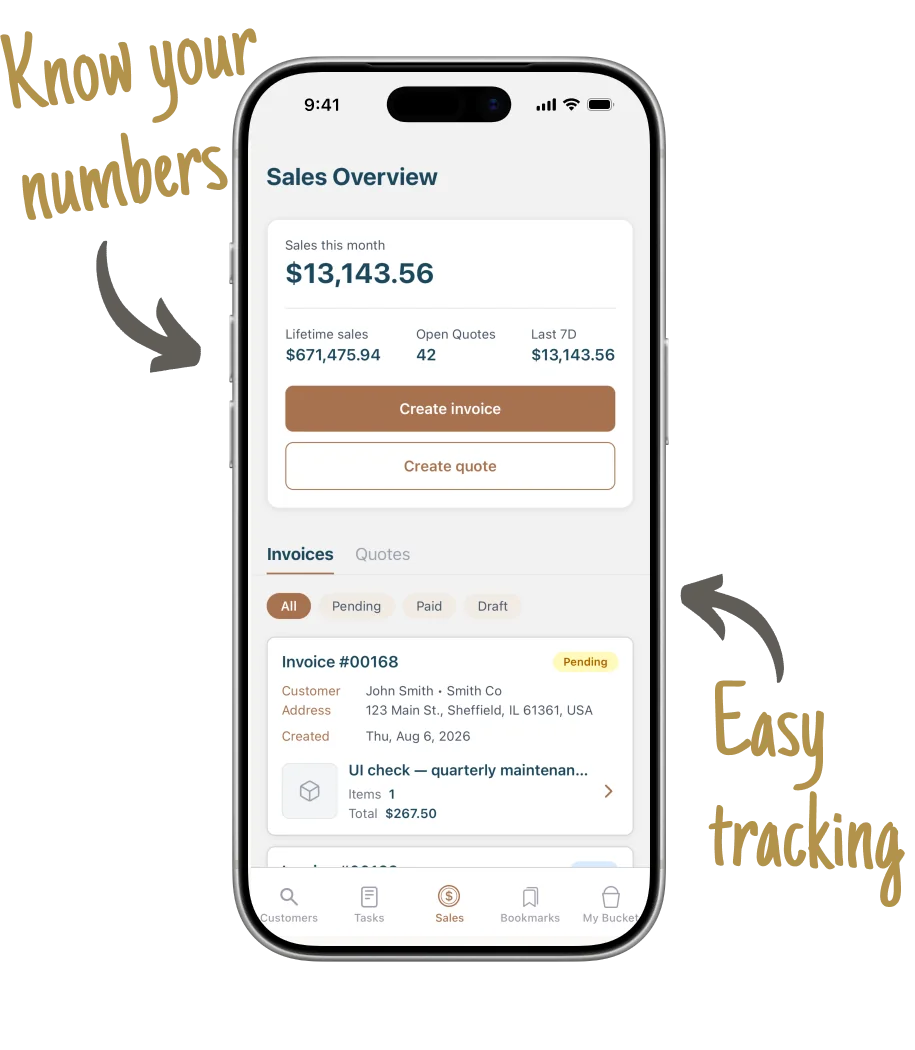
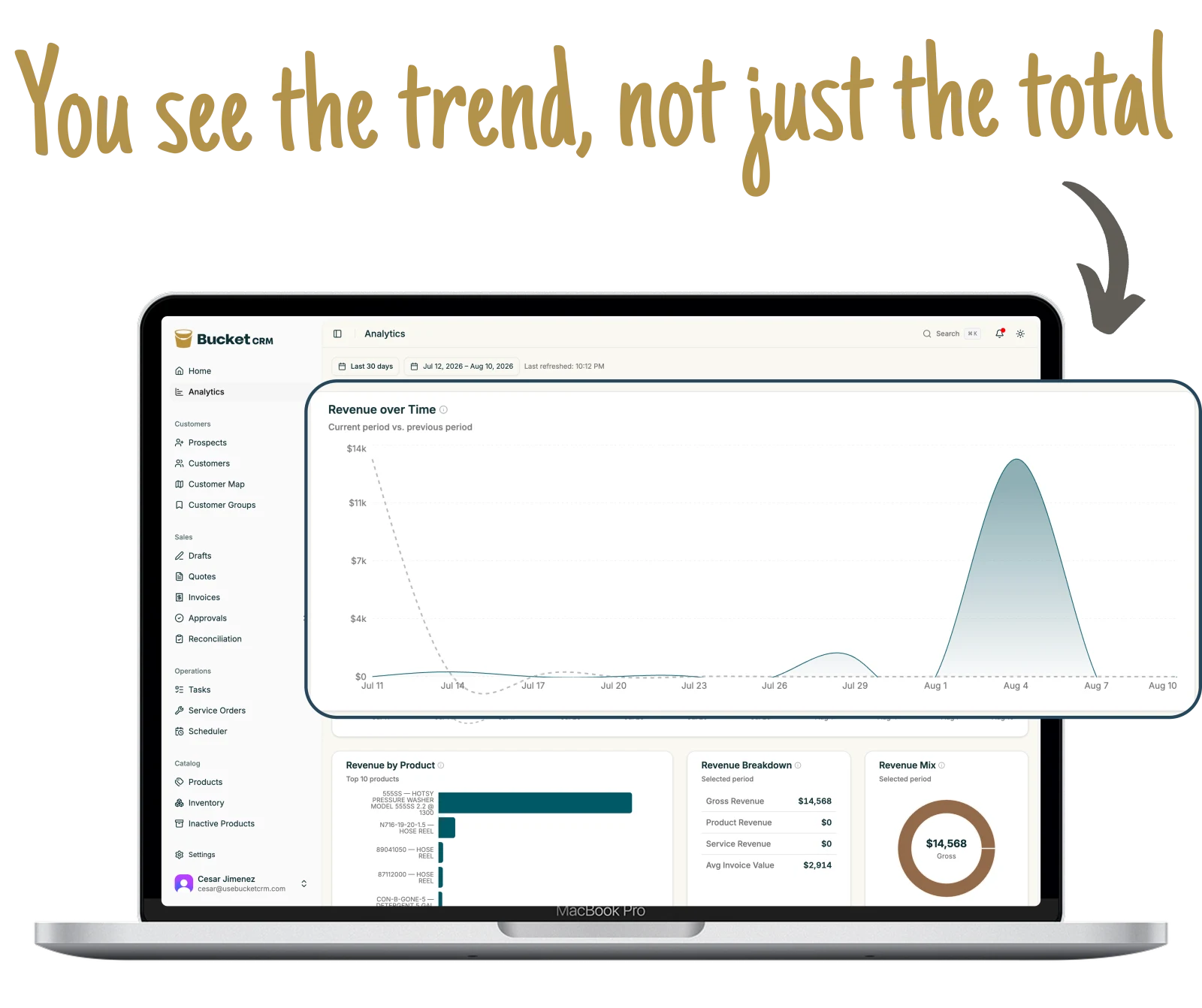
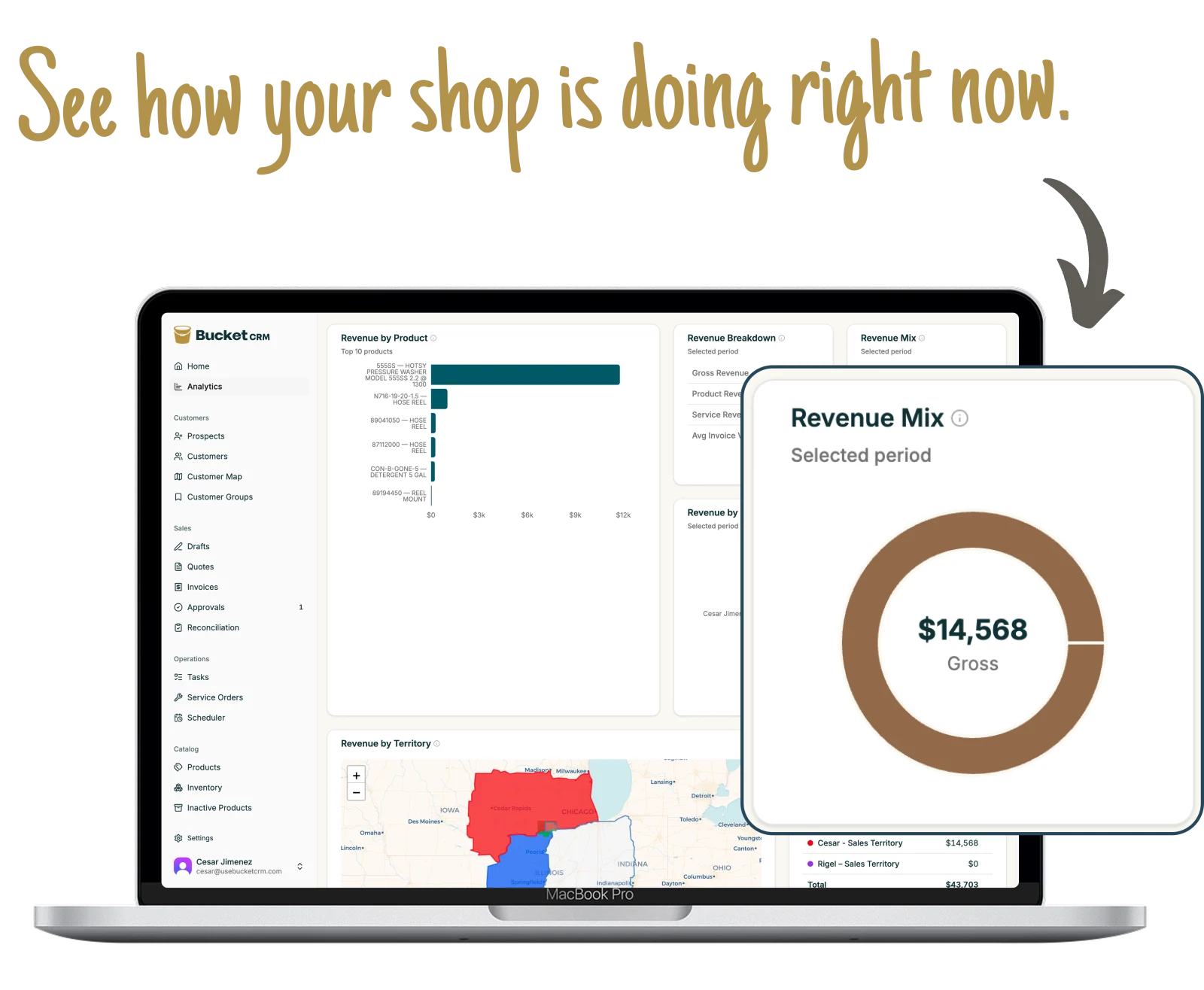
Check sales, quotes, jobs, and payments. Compare this week, month, or year with the one before it.
The objection everybody raises
It keeps working with no signal.
Trucks roll into places with no bars. That is the reason most field
apps get abandoned in the first month, so it got built for first.
The customers you flag live on the phone
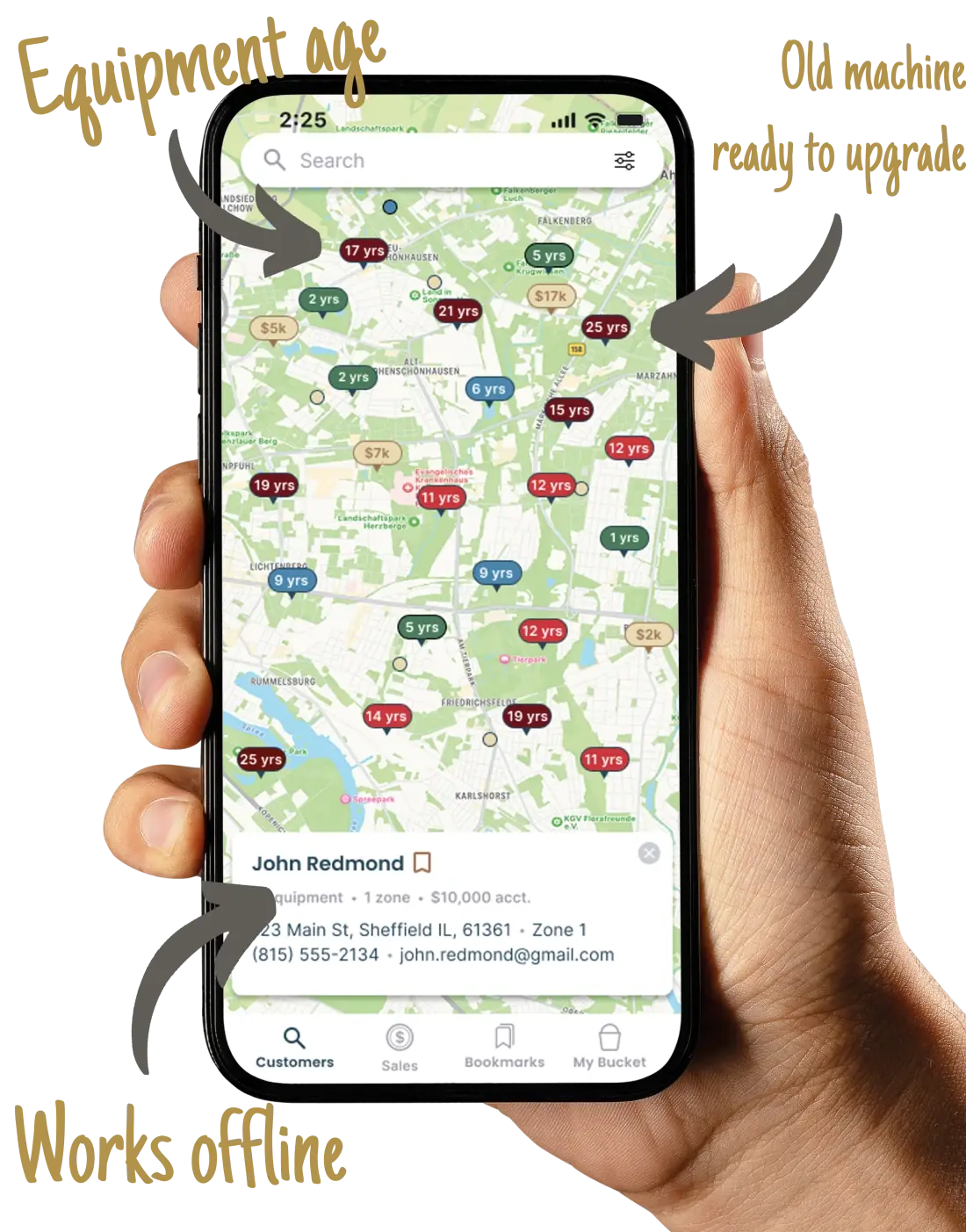
Their machines, notes, contacts, and service orders are stored on the device and readable with no bars.
Fifteen kinds of change can be made offline
Log a service call, add a machine, write a note, add a contact, update a customer or a prospect. It queues and goes up when signal comes back.
It retries on its own, and it tells you
It keeps trying on its own, then shows your tech a plain list of anything that has not gone up yet and what went wrong. Nobody has to guess whether the note made it.
Everything you need to start
We set it up. Your team gets to work.
We move your records, help your team get started, and put your name on
everything your customers see.
We move your records
Send us your spreadsheet or QuickBooks file. We clean it up and put it in Bucket.
Customers and machines moved in
Duplicate records cleaned up
Territories set up
Notes and service history kept
Work anywhere
The office and field team see the same records on any device.
Web app for the office
iPhone and Android for the field
One set of records for everyone
Works without signal and syncs later
Customers see your name
Quotes, emails, and texts look like they came from your shop.
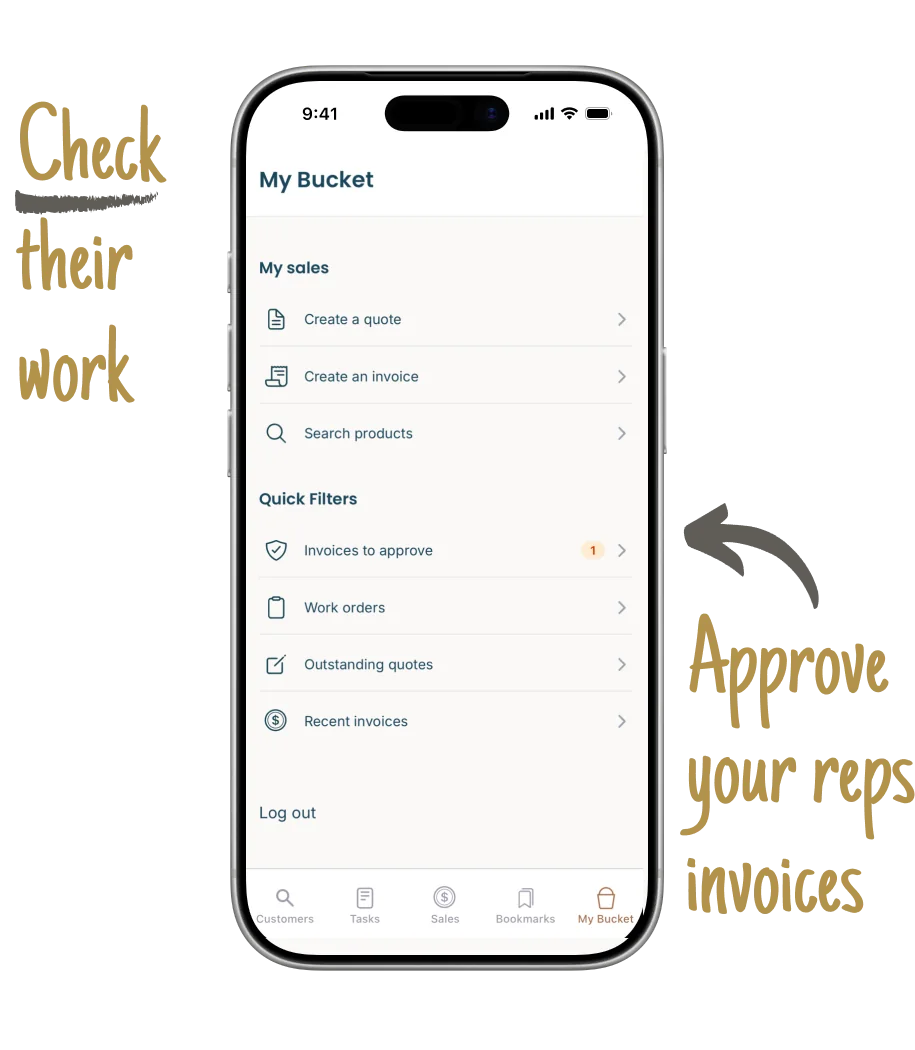
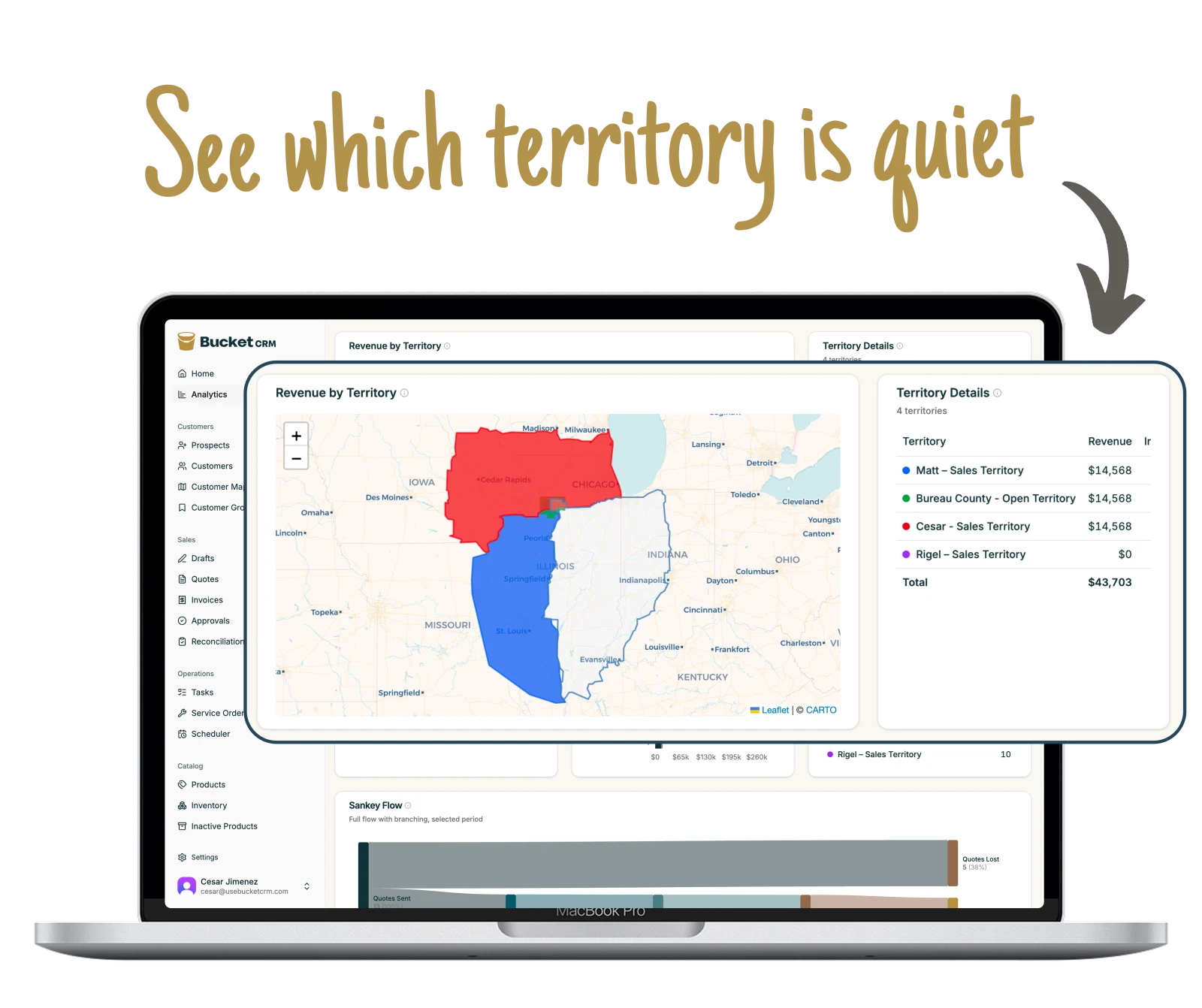
Opens the numbers and the map. Sees revenue against last period, which territories are slow, and which customers are due for their next machine. Approves the invoices that need a second pair of eyes.
The sales rep
Opens the map and their prospect board. Quotes from the truck, texts the link, gets a notification when the customer opens it. Reads the tech's last service note before knocking on the door.
The technician
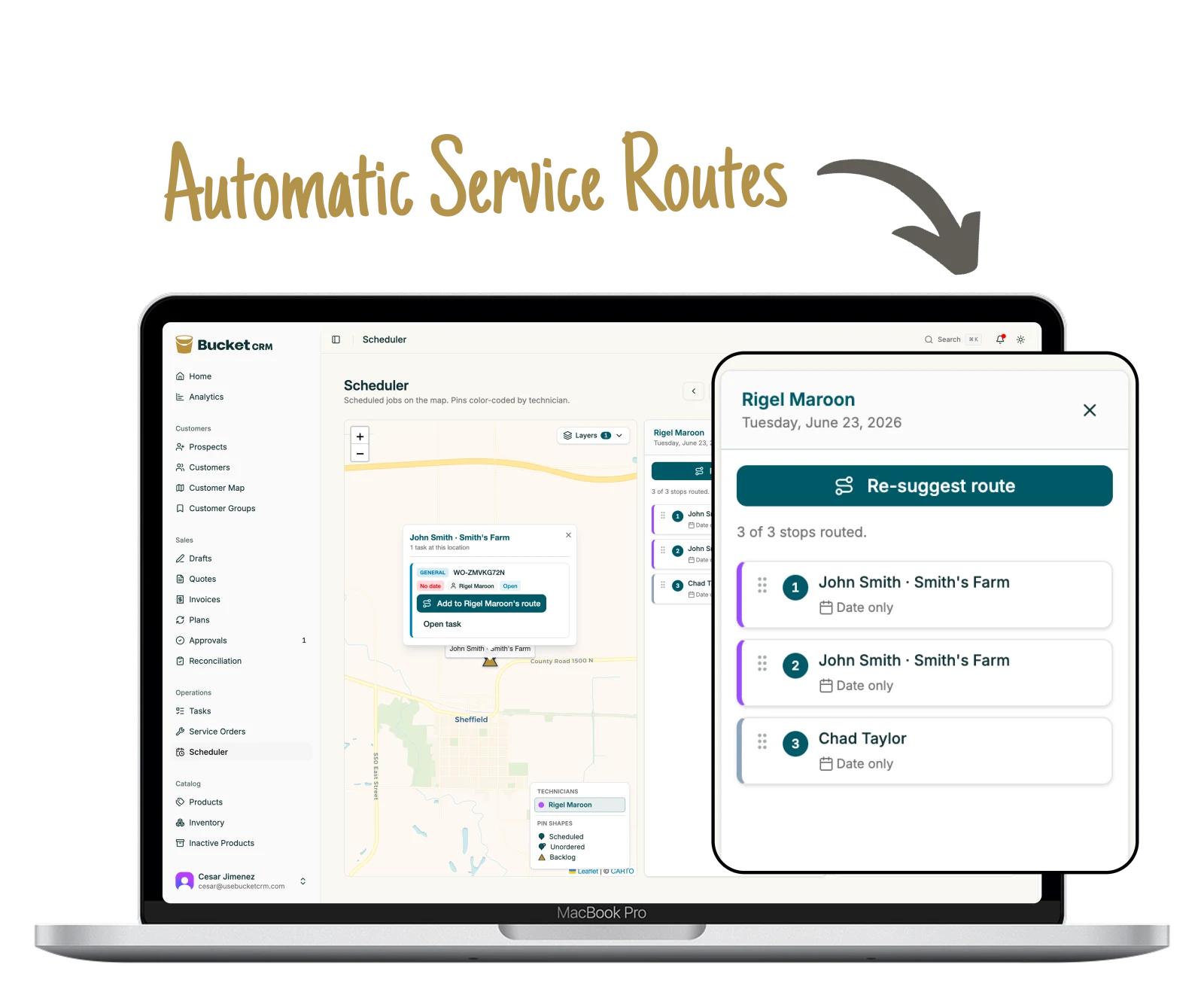
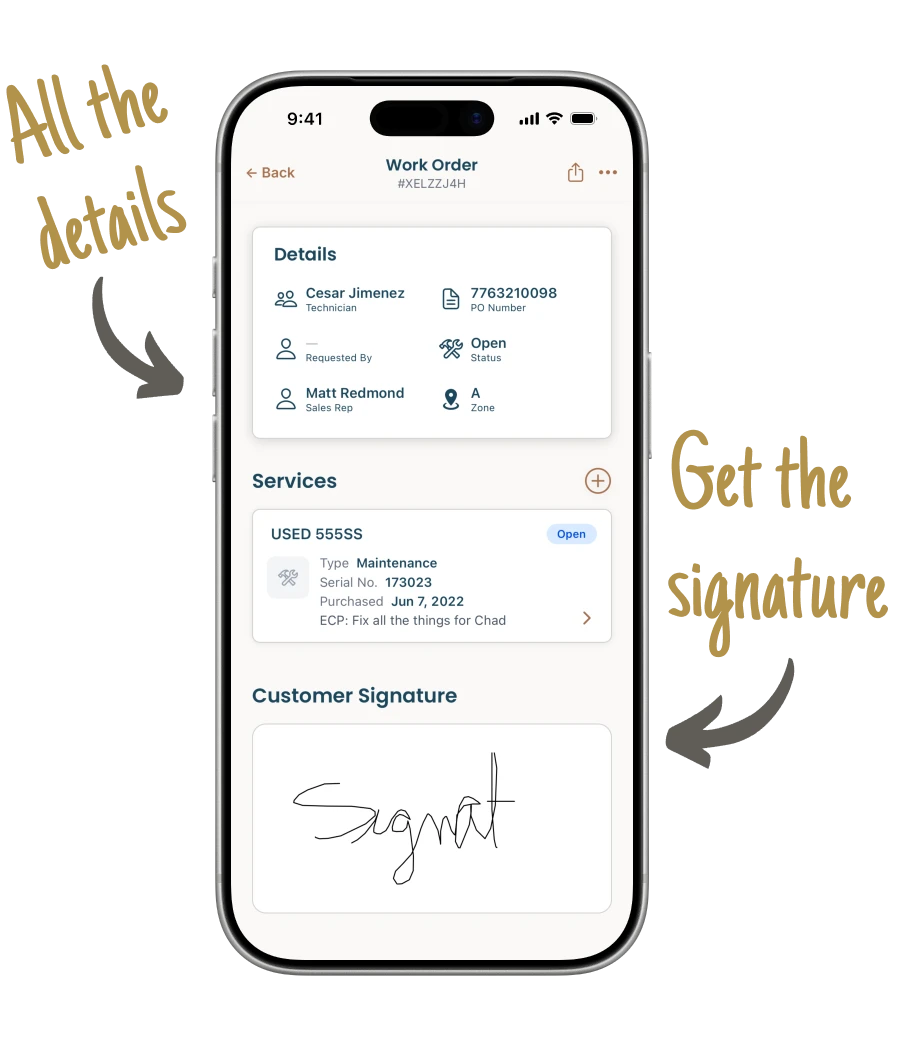
Opens today's stops in drive-time order. Logs the work, the parts, and the condition of the machine on the phone, takes the customer's signature, and it all lands even if there was no signal at the site.
The office
Opens the approval queue and the reconciliation list. Sends what is ready, sees what has been paid, and knows exactly which invoices have already been entered in QuickBooks.
Our guarantee
90
days
If your team is not using it at least twice a week we refund you your
money AND you walk away with the cleanest data you ever had.
Before you book
Frequently asked questions.
We tried a CRM before and nobody used it. Why would this be different?
It was built for people who pride themselves on hating software. That failure is usually the same two causes: the app asked a rep to do office work, and it stopped working the second the truck lost signal. Bucket was built against one rule, that if it takes more than two taps to reach the information nobody uses it. It also keeps working with no bars and syncs when they come back.
Do we have to switch everything at once?
No. We import your customers and machines first, so the map and the records are useful on day one. You turn each part on as your team is ready for it. Most shops start with quoting, then invoicing, then the schedule.
Our customer list is a mess. Is that a problem?
It is the normal starting point. Send a spreadsheet or a QuickBooks export. We handle duplicates, assign territory during the import, and can pick a large import back up if it stops partway. Notes and machine history come across too.
Does it sync with QuickBooks?
Not automatically, and we would rather say so than imply otherwise. Bucket keeps a reconciliation worklist with a checkmark for entered and a checkmark for reconciled on every invoice, both of which can be undone. Your bookkeeper stops wondering whether something was already keyed in.
Will my techs actually use it?
That was the rule the app was built against: if it takes more than two taps to reach the information, nobody uses it. It also keeps working with no signal, which is the other reason field apps get abandoned.
Can a rep see another rep's customers?
What each person can open is a setting, and it goes further than on and off. You can hide dealer cost from a rep, hold their invoices for approval, and keep deleting with the admins.
Can we not just keep doing this in QuickBooks and a spreadsheet?
Plenty of shops do, right up to the size where it stops holding. QuickBooks knows what you invoiced. It does not know which machine that customer owns, how old it is, when it was last serviced, or which rep has the account. That is the part that turns into the next sale, and it is the part a spreadsheet cannot keep current across four people.
We already pay for a scheduler and a CRM. Why change?
Because the parts that matter live in different apps that do not talk. One app, one bill, one place the data lives is the whole point. The map only works because the quotes, the machines, and the service history are in the same database.
We are not a Hotsy dealer. Does it still fit?
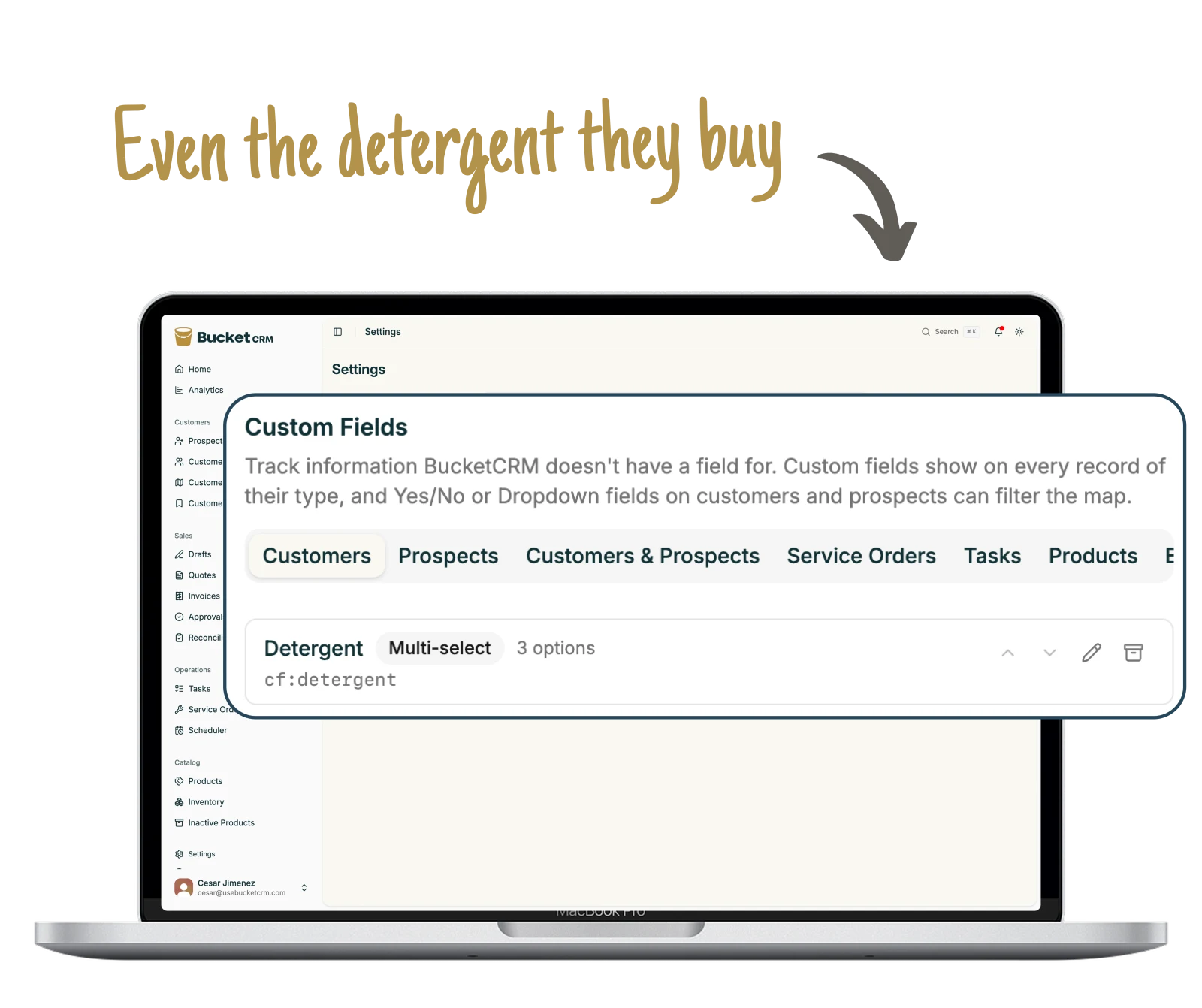
Yes. Hotsy dealers were the first shops on it and they shaped it, but nothing in the app is specific to one brand. If you sell equipment and you service what you sell, the work is the same. You control your own make and model list.
Who has to do the work of getting everyone on it?
We do the import and the setup. For the team, it is a walkthrough rather than a training program, because each person only needs the part of the app that belongs to their job. The reps and techs are usually the fastest, since it replaces paperwork they never wanted.
What happens to our records if we leave?
They are yours. Ask and we hand them back as spreadsheets, customers, machines, service history, and all. There is no clause that makes leaving expensive.
What does it cost?
We price per person, and we will give you the number on the call once we know how many people need to be in it. There is nothing to install and no per-module upcharge.
How long until we are actually running on it?
Day one for the import and the map, the first week for the team, about thirty days before the shop is running on the process instead of on memory.
Want to keep looking first?
Get 11 ways other equipment dealers grow revenue. Read them when you have time.
Book a fifteen-minute demo and send five or ten of your own customers,
even off the top of your head. We put them on the map before the call,
so you see the whole thing working on your real names and your real
machines before you commit to anything.